Report a bug
If you see a bug in Blocks or have an idea, you can write to the team without leaving the page. On this page you will fill in the bug report form.
Before you start
- Blocks is open and you are online. You do not need an account.
Send the form
Tip
The form is sent over the internet. If you see "Could not send it.", what you wrote stays in the boxes, and you can press Send again.
- In the site header, press Report a bug next to the "BLOCKS" badge.
The form opens with the cursor in the Title box.
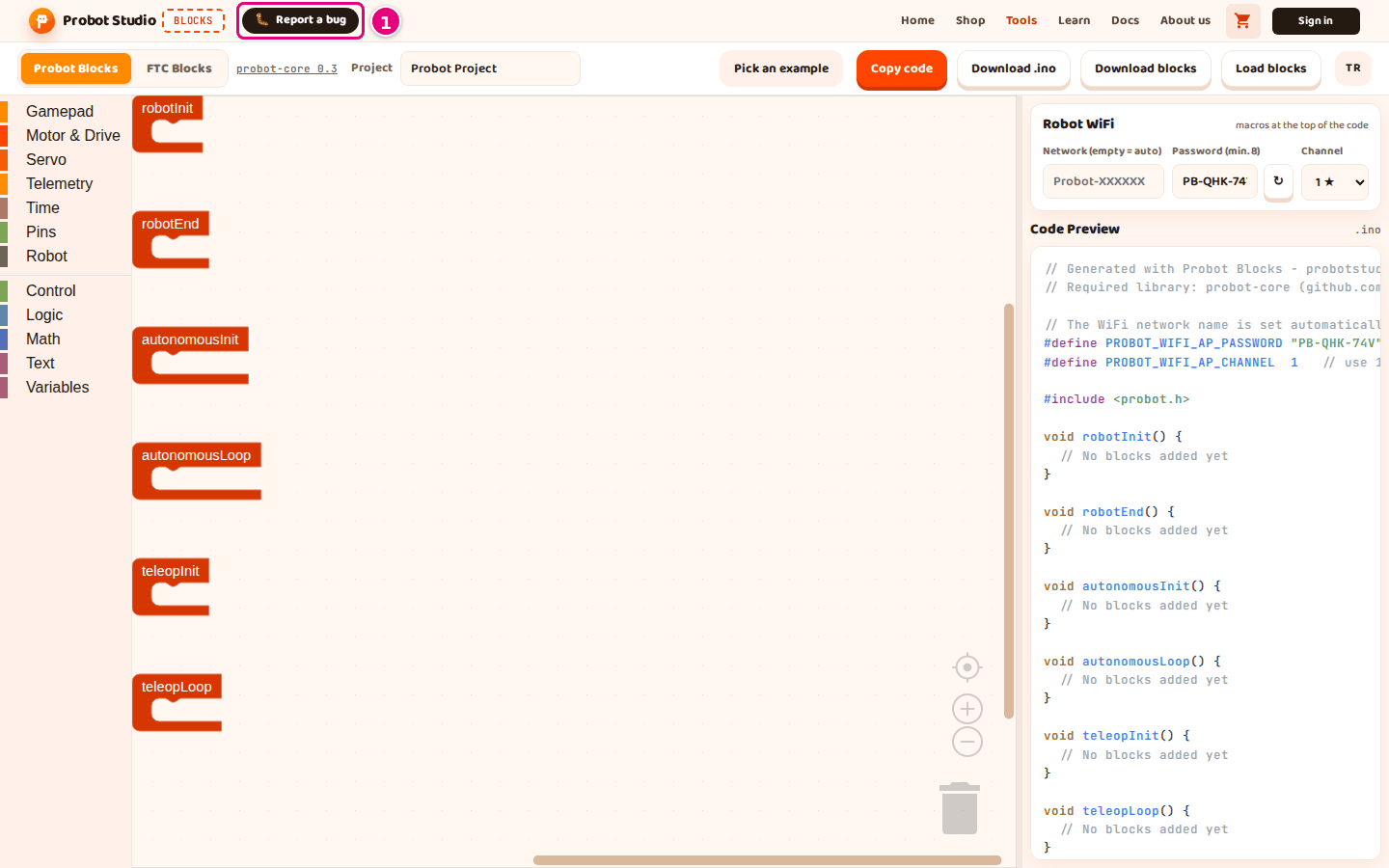
- In the Title box, type a short summary of the problem. The title can have at most 120 characters.
- In the Message box, type these four things. The message can have at most 4000 characters.
- The open tab and the example or project, for example "Probot Blocks, Tank Drive example".
- The last button or key you pressed.
- The text on the screen, word for word, in quotes.
- Your browser, for example Chrome.
- Press Send.
Result: The card shows "Received, thank you! 🎉". To close the card, press Close.
While the form is being sent, the button shows "Sending…". If the title or the message is empty, "Please fill in the title and the message." appears.
To cancel without sending, press Cancel or Esc. Clicking outside the card also closes the form.
Report a bug on the intro card opens the same form. On a screen narrower than 560 pixels, the "BLOCKS" badge is hidden and the button in the site header shows only the 🐛 icon.
What makes a good report
When your message has all four things, the team can make the problem happen again without asking you. You do not need to write the page address. The form adds it to the message by itself.
Example Message:
Probot Blocks tab, Tank Drive example open.
I pressed Load blocks and picked the project.probot.json file I had downloaded.
The screen said "Could not load the block project."
Browser: Chrome.
Having trouble?
- "Could not send it. Try again or use the Contact page." appears: Check your internet connection and send it again. If that does not work, use the Contact page link in that text.
- "Please fill in the title and the message." appears: One of the two boxes is empty. Fill in the Title and Message boxes and press Send again.