Everything you need to learn to build robots. Kits, tools and lessons.

-
Kits and parts
Robot parts built to one standard, so they fit together.
-
Tools
Nothing to install, they open in the browser.
-
Lessons and classes
Lessons in Turkish, presented on the board, with classes and homework.
All the parts fit together.
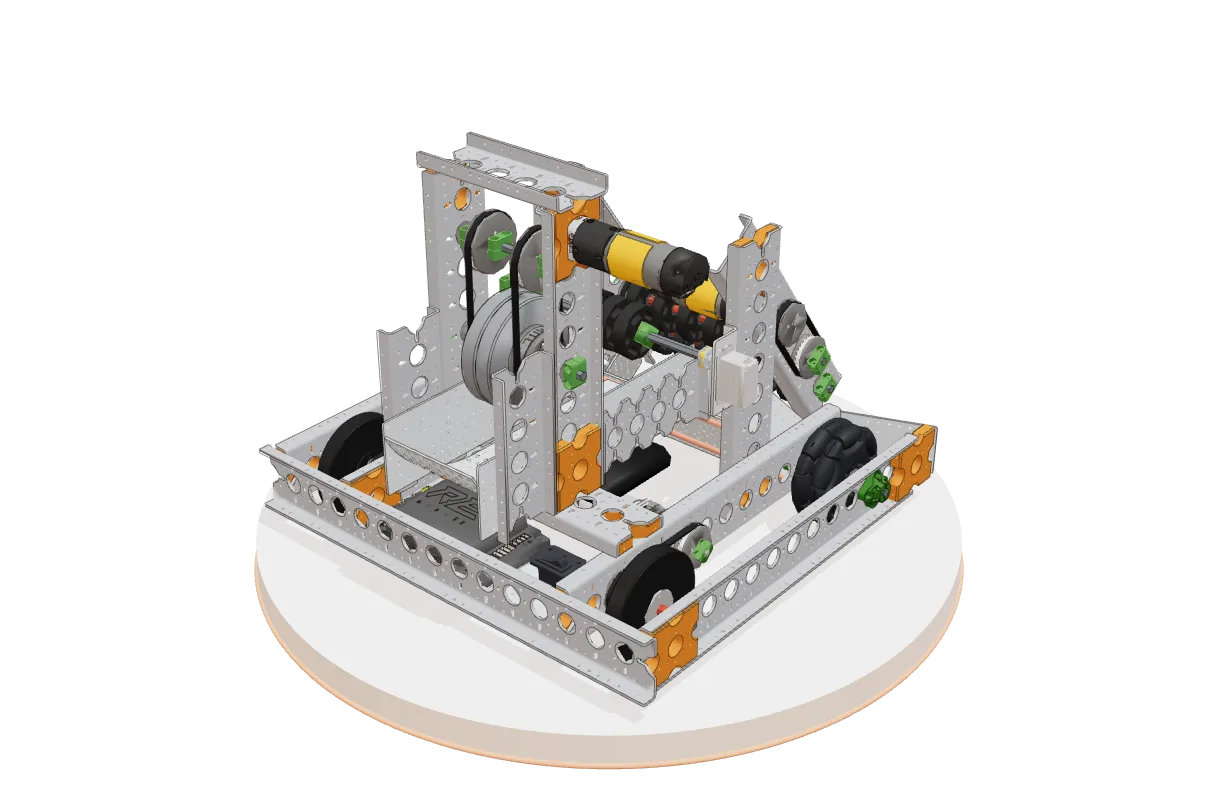
Starter Bot and the Omni chassis are built from the same parts.
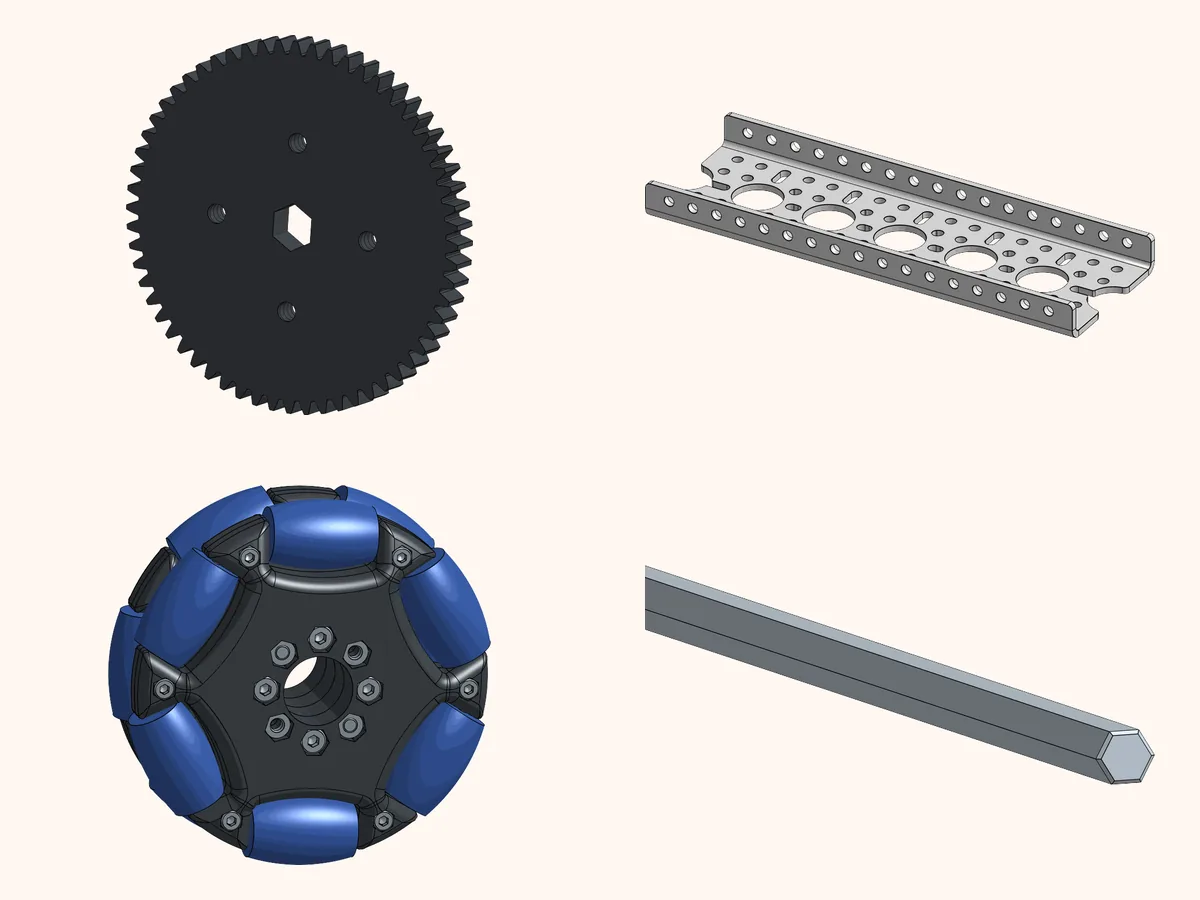
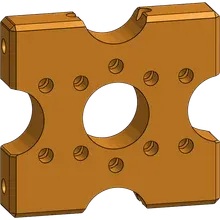
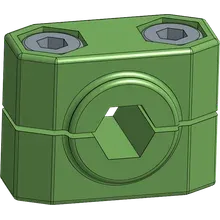
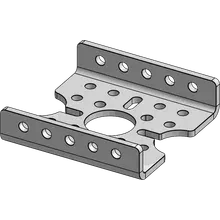
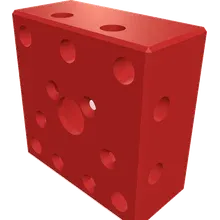
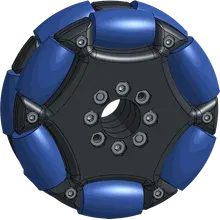
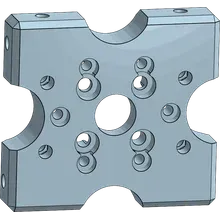
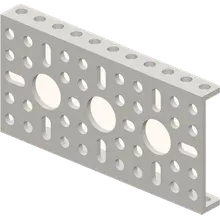
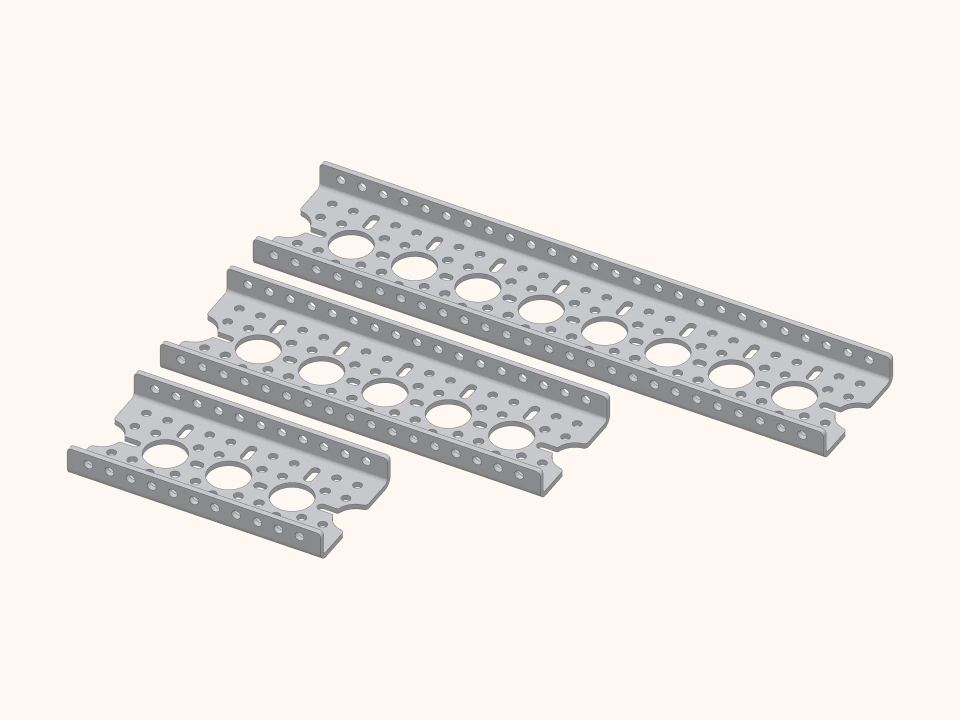 Structure profile30 mm hole spacingProfiles and plates share the same hole pattern.
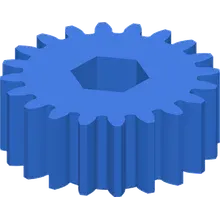
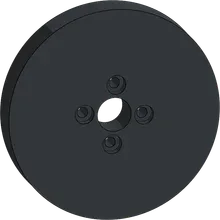
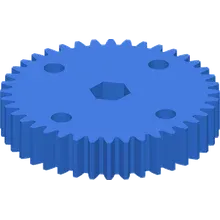
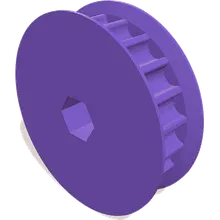
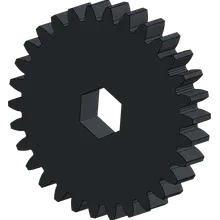
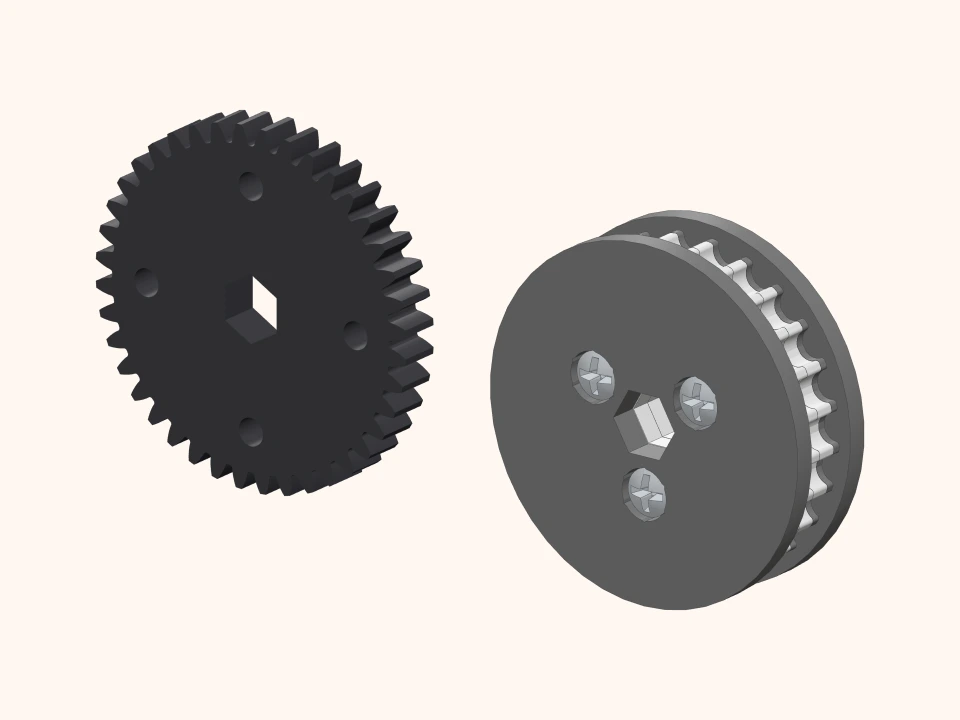 Power transmissionModule 1 gears and HTD5M pulleysGears and pulleys fit on the same shafts.
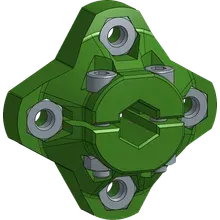
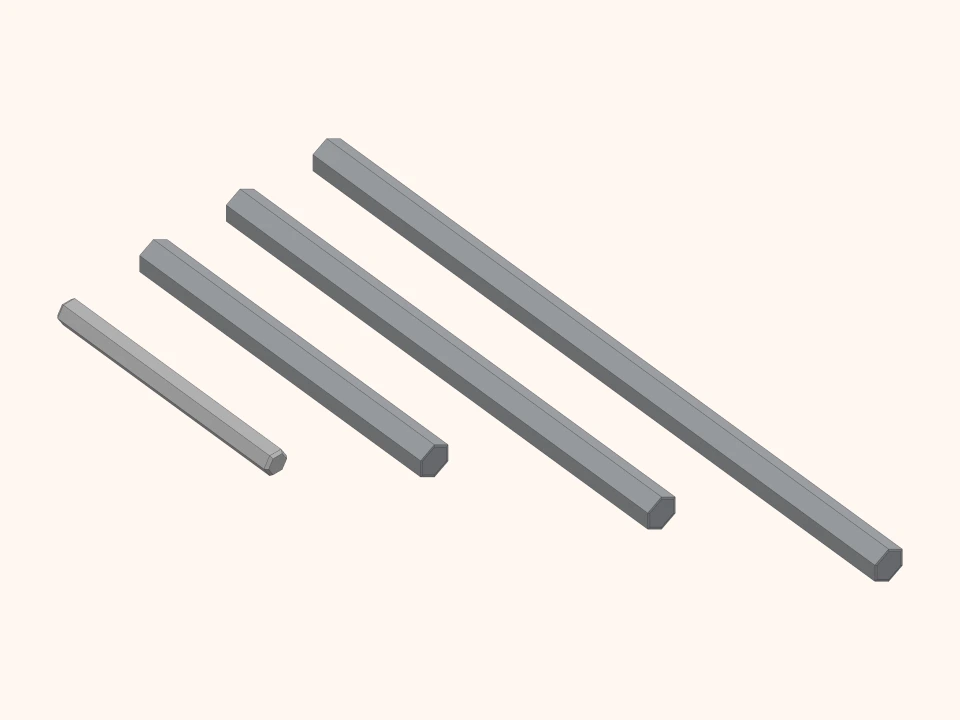 Shafts7 mm and 5 mm hex shaftsIn different lengths, with bearings and hubs.
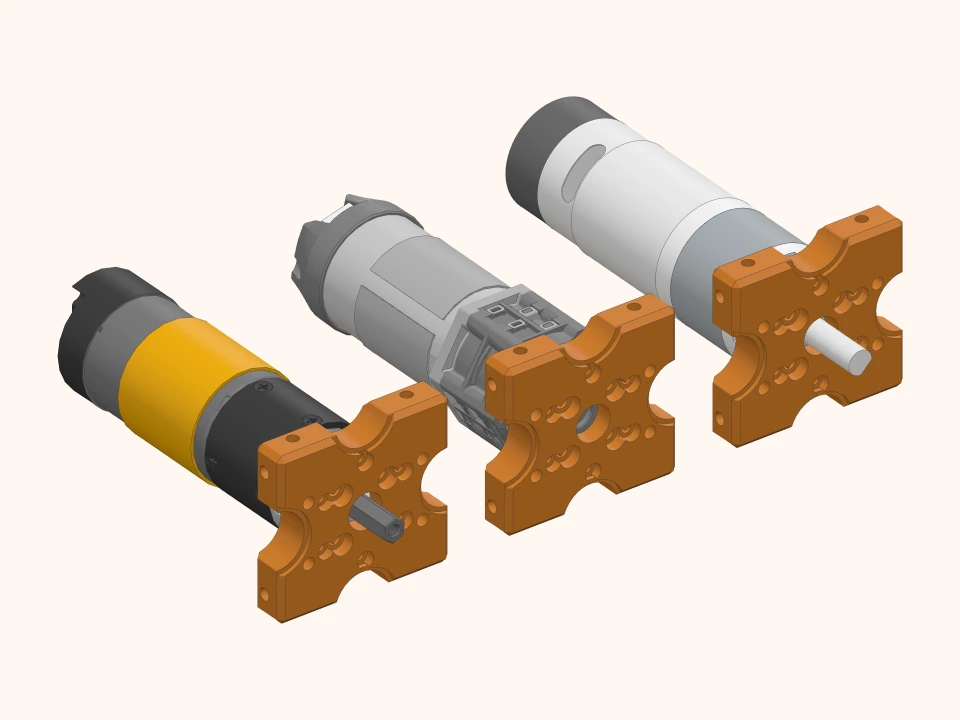 Motor mountingWorks with different systemsgoBILDA, REV and WattOS motors mount with the same adapter, so you can keep using the motors you already have.
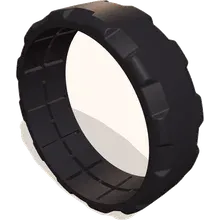
Images are from the parts’ 3D models.
You teach, the rest is ready.
Lesson content, classes and homework in one place. You teach the lesson; the materials and class tools come from us.
- 1
Ready-made lessons in Turkish, presented on the board
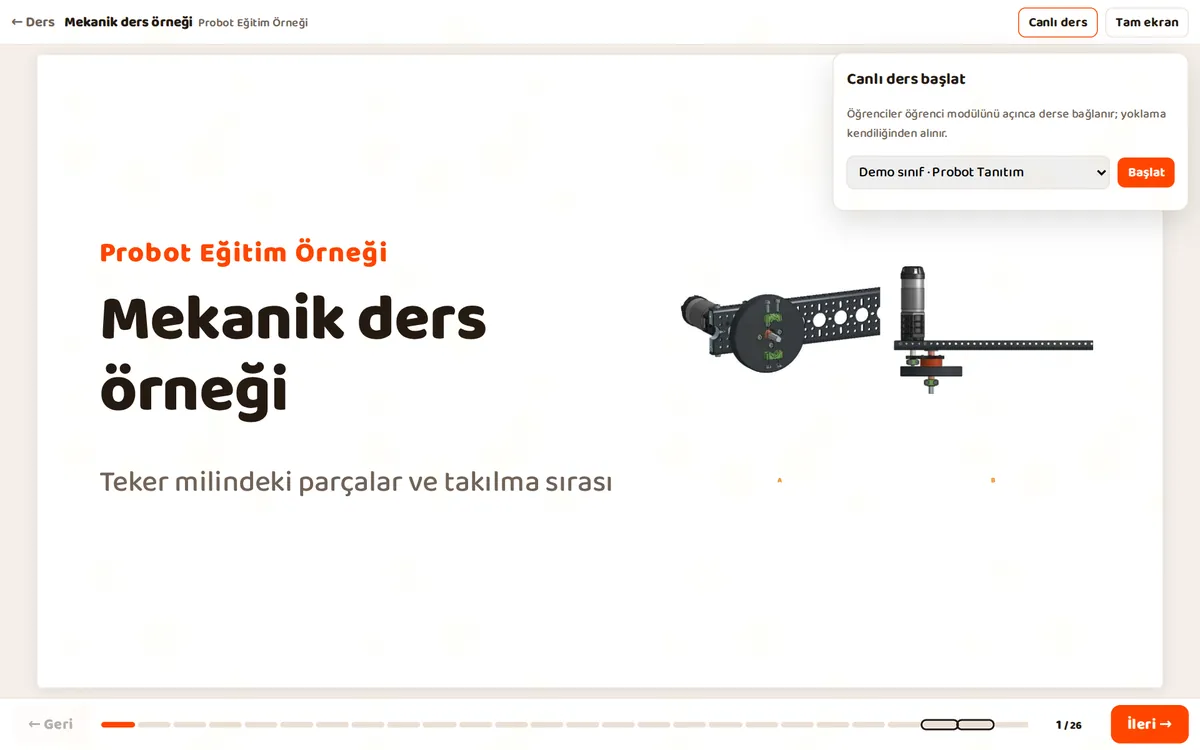
Every lesson comes as a presentation you project onto the board. Parts turn in 3D on the slides, and students follow the same lesson on their own screens.
- Board presentation plus each student’s own screen
- Lesson notes only the teacher sees
- Full screen, forward and back, lessons already in order
The board presentation of a real lesson. Move on with the arrow and turn the 3D part with your mouse. Open full screen - 2
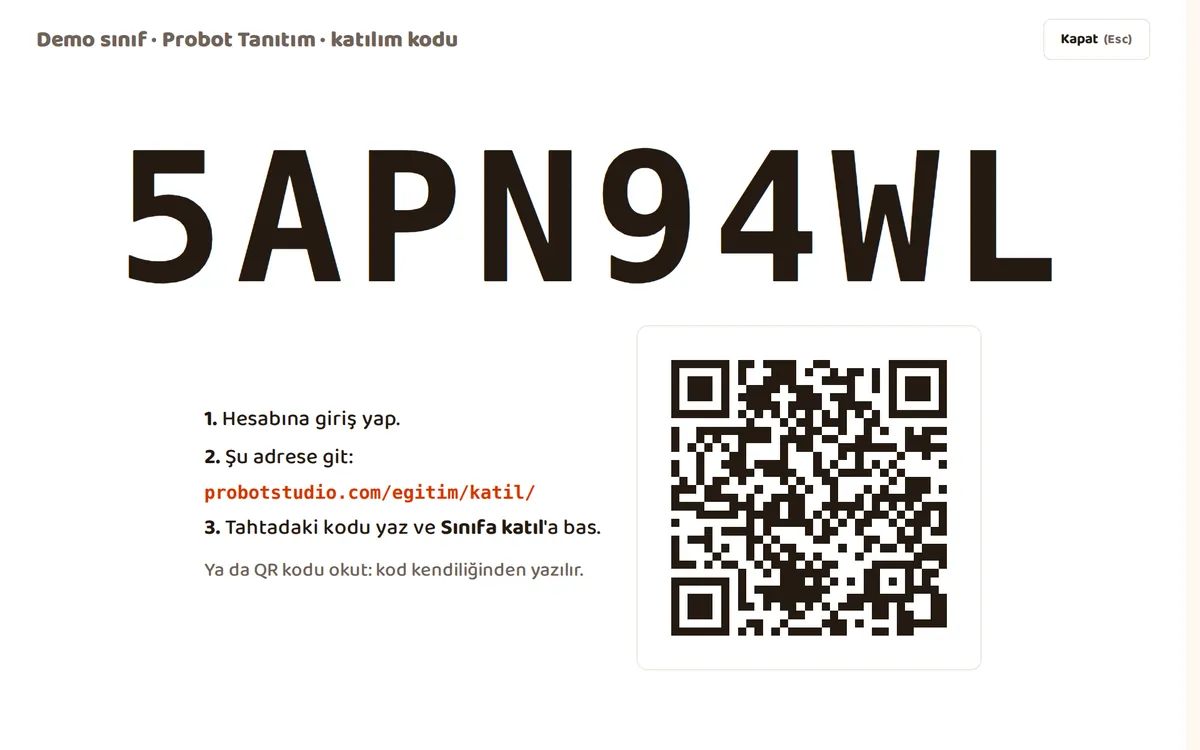
Set up your class, students join with a code
When you open a class, a join code is created. You put the code on the board, and students join with the code or a QR code. Students without an email address can sign up with the code too.
- When you start a live lesson, students who open it are marked present automatically
- A parental consent step for students under 18
- A button that hides student details on the board
- 3
Set homework, see where everyone stands
You set homework linked to a lesson in one click. Who handed it in, who is missing, who you asked to redo it: it is all in one list. You leave a note on a submission and mark it as checked.
- Counts for handed in, to review and missing at the top
- Roll call and attendance rate on the same panel
- A lesson-by-lesson progress table and report card
The real teacher panel (in Turkish), with a sample class. Set homework, leave a note on a submission, check attendance. Nothing is saved.
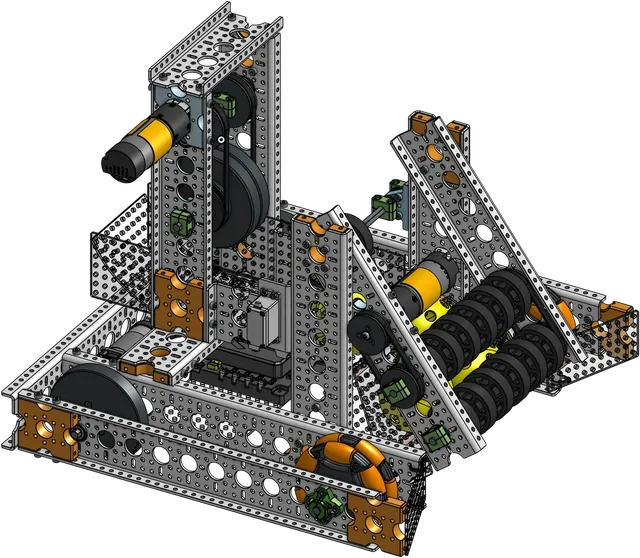
Starter Bot in class
The Starter Bot course moves forward task by task. You assign the course to your class, and the Probot team opens access. You build and program the robot with your students, lesson by lesson. Each student’s progress on every task shows up in a table.
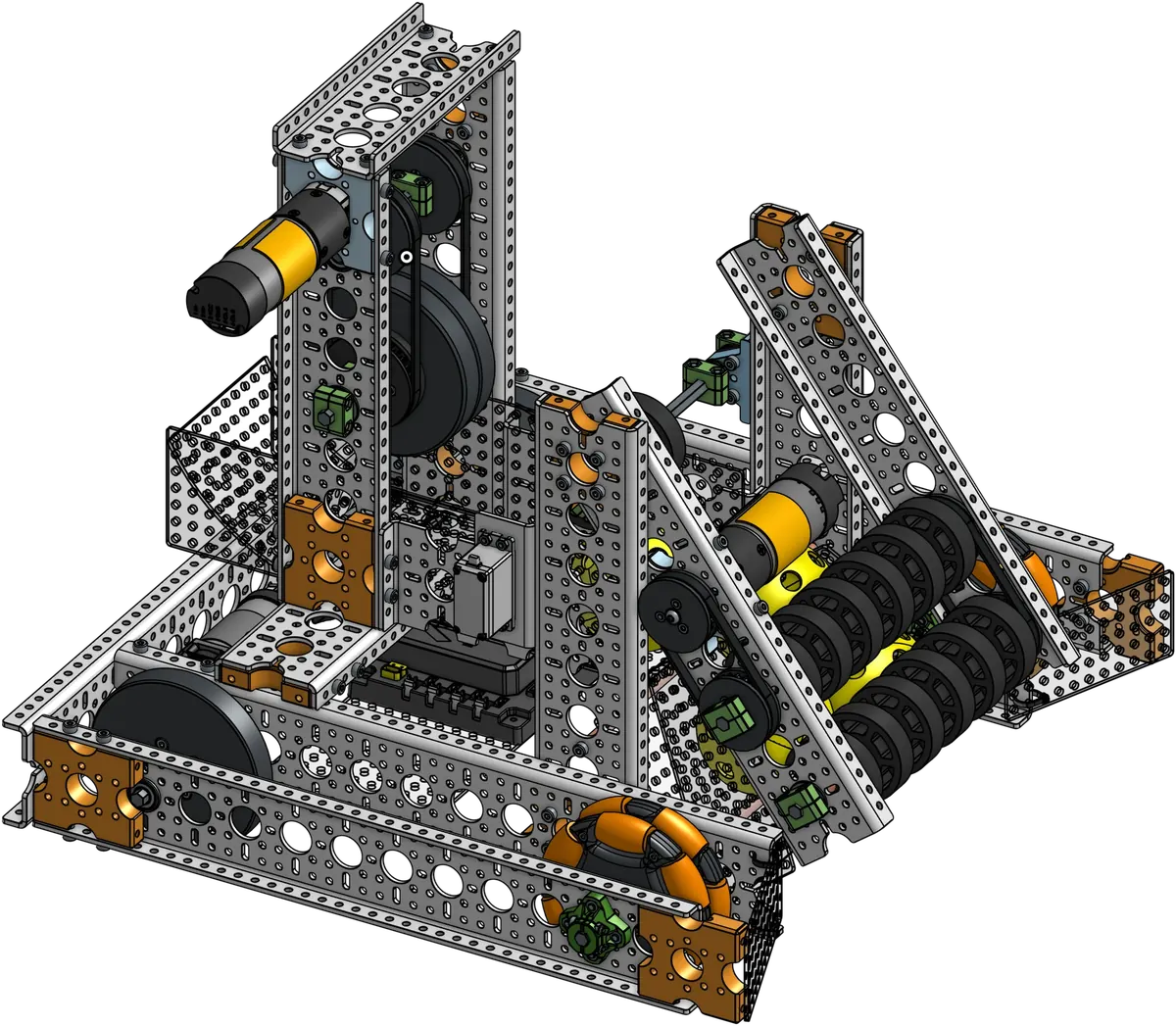
Starter Bot gets you started.
The simplest robot that works, and a base for a better one. It comes with an assembly guide, source code and course content.
Come in through the door that fits you.
Teacher, institution, team, parent or student. Choose who you are, answer a question or two, and we will show you the steps that fit, right here.
Frequently asked questions.
If you cannot find your answer, write to us on WhatsApp. The team that designed the robot answers.

We have never built a robot. Where do we start?
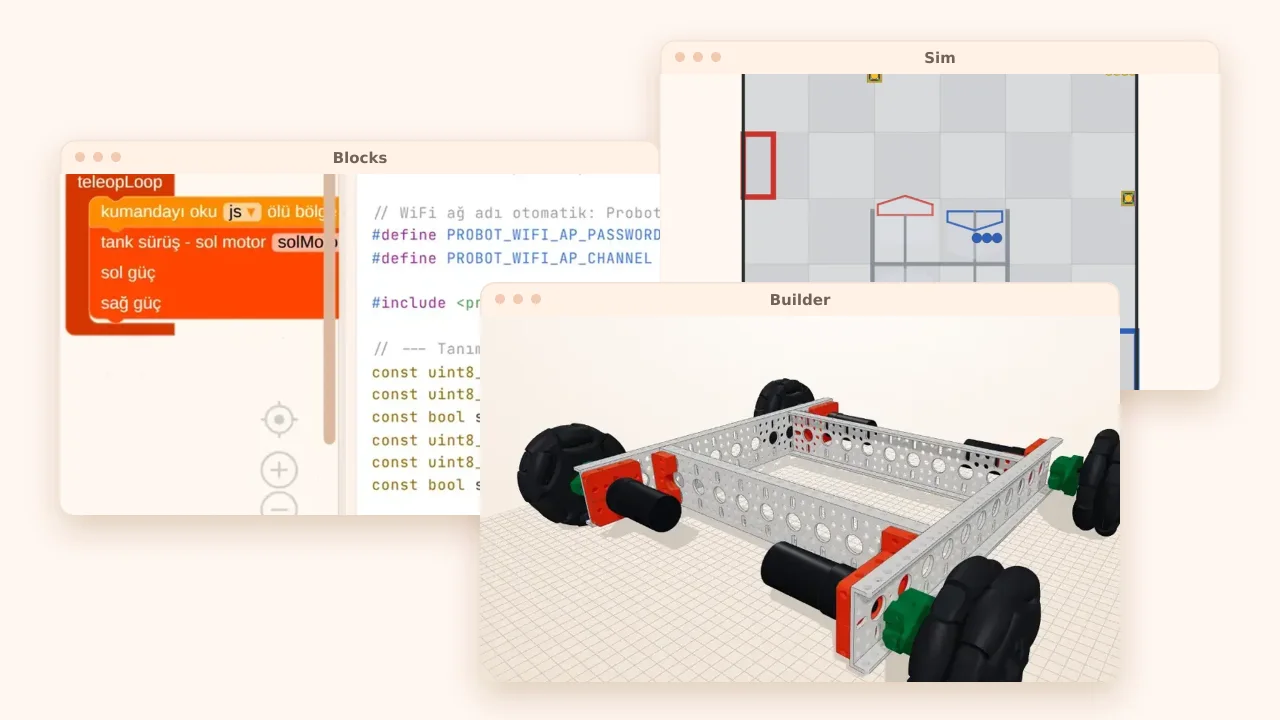
Open Builder and put the robot together on screen, part by part. Drive it in Sim and code it with blocks in Blocks. When you are ready, you build the same robot with real parts.
Do we need to install anything?
No. Builder, Blocks and Sim open in the browser, and you do not need an account either. No waiting for admin rights on school computers.
What ages is it for?
Middle school and up. In high school, the same kit takes students from block coding all the way to real C++. We are developing a new kit made for middle school; write to us if you would like to be a pilot institution.
Does one kit make only one robot?
No. All parts follow the same standard: you take the robot apart and build another one. Starter Bot and the Omni chassis are made from the same parts.
Does the teacher need to know robotics?
No. The lessons, in Turkish, go step by step and come as board presentations. Every lesson has notes only the teacher sees.
How do we set up a class?
When you open a class, a join code is created. Students join with the code or a QR code, even those without an email address. Homework, attendance and progress are on the same panel.
What about student details?
Students can join with the class code without giving an email address. There is a parental consent step for students under 18. There is also a button that hides student details while the lesson is on the board.
Can it be used in competitions?
For FTC teams there is Starter Bot and the Probot FTC Guide. The rules change every season, so check that season’s game manual too.
How do we find out the prices?
Part and kit prices are in the shop. For schools and institutions: send us your number of students and classes on WhatsApp, and we will plan it together.
Got a question?
Write to us on WhatsApp. The team that designed the robot answers.