Every tool for your robot, in one place.
From design to coding, from your first blocks to real C++: all free, most of them in the browser. You can start before the box even arrives.
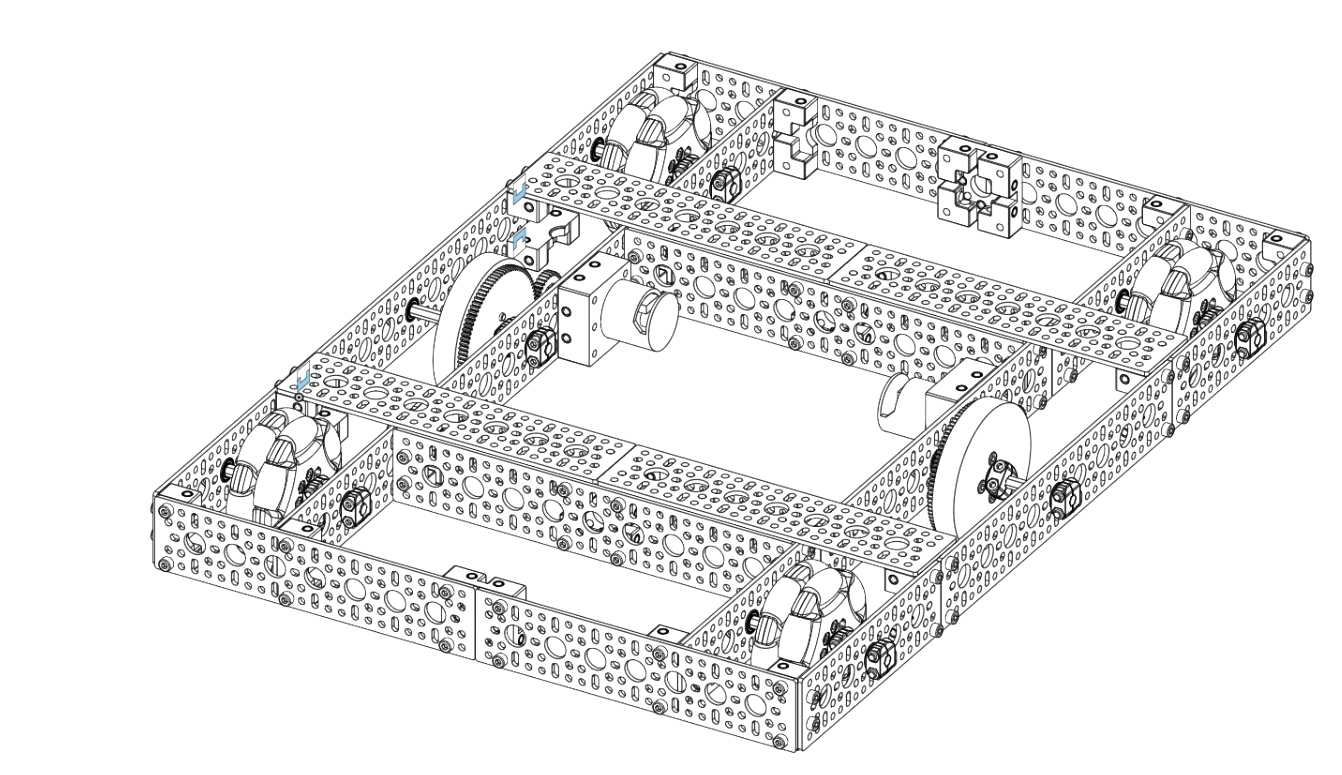
Design (Builder)
Drag and drop the parts and build your robot on screen. It matches the real kit parts one to one, so your design is ready before the box arrives.
Open BuilderCoding (Blocks)
Snap blocks together, connect over WiFi and drive your robot on day one. No need to write code; when you are ready, the same robot moves on to real code.
Open BlocksSimulation (Sim)
Try the robot you built in Builder on a virtual field. The top-down view runs autonomous paths quickly, and the 3D view runs detailed physics; test your program before the robot ever goes on the field.
Open Simprobot-core (C++)
Text-based coding with the Arduino IDE or PlatformIO. Competition phases, joystick, telemetry and WiFi are ready to use; it runs on the ESP32. Open source.
Go to the libraryThe same robot grows in three steps.
- Build it in BuilderDesign the robot on screen first, with the real kit parts.
- Try it in SimDrive the robot you built on a virtual field and test your program without the robot.
- Drive it with BlocksWrite its first moves with blocks, connect over WiFi and try it on the field.